Ayusaru's 64bit Graphical Adjustment Results
-
Placing a brief guide here along with a few images of how the setting turned out visually on the new 64bit Client.
Please consider some adjustments listed at the end of this guide if you have trouble running multiple clients or have computer hardware that may be lacking.
Graphics
Particle Limit - 1022 (50%) (Can significantly affect fps, but set to low and you can not see WB Bombs)
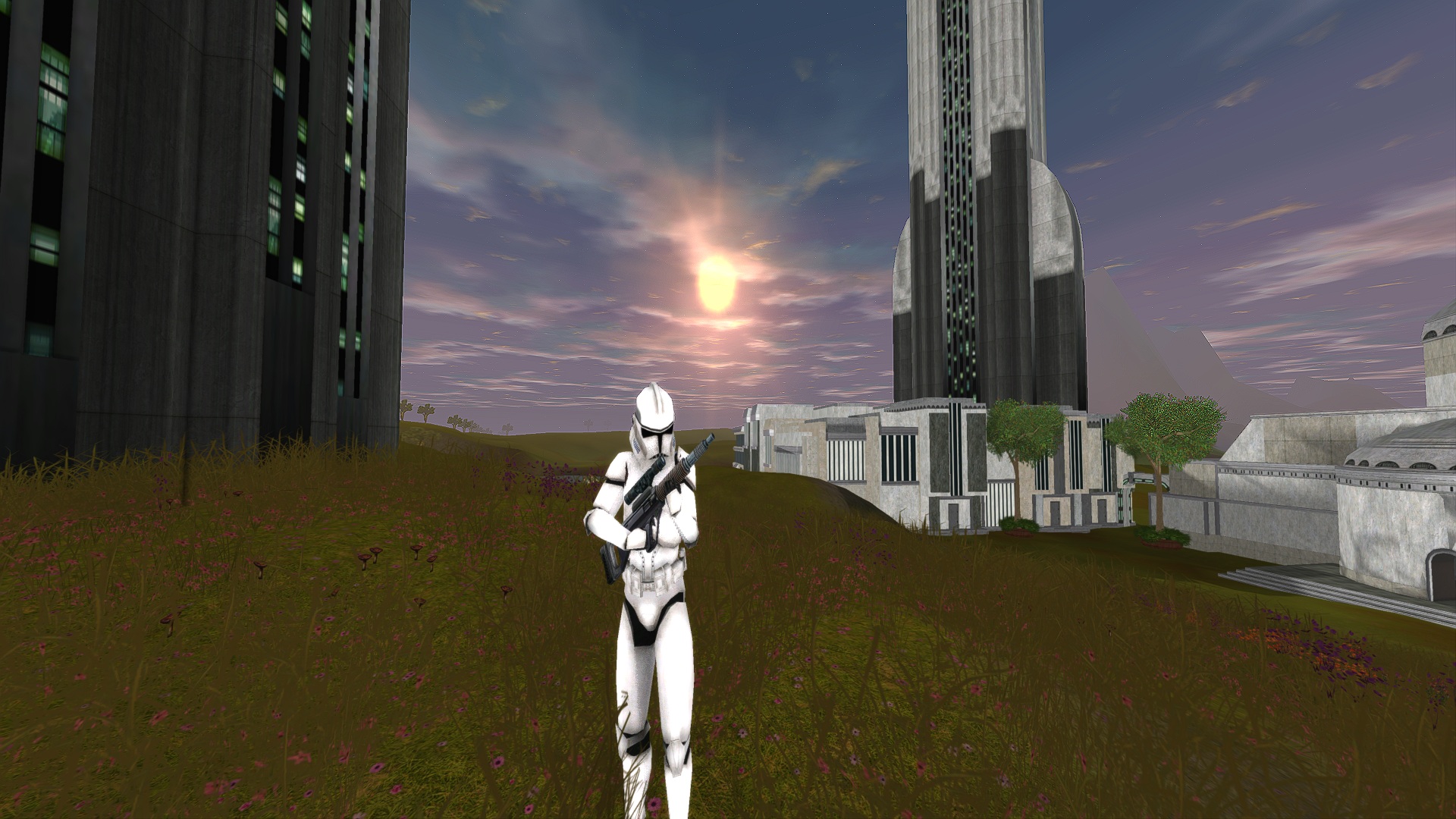
Gamma Correction - .85 (Lowered this to offset Bloom)
Saturation - .80 (Was aiming to balance between Saturation and Vibrance, but not blow out colors to much)
Vibrance - .50 (Was aiming to balance between Saturation and Vibrance, but not blow out colors to much)
Disable Animation Priorities - Check (I check this thinking it may effect ability activation response)
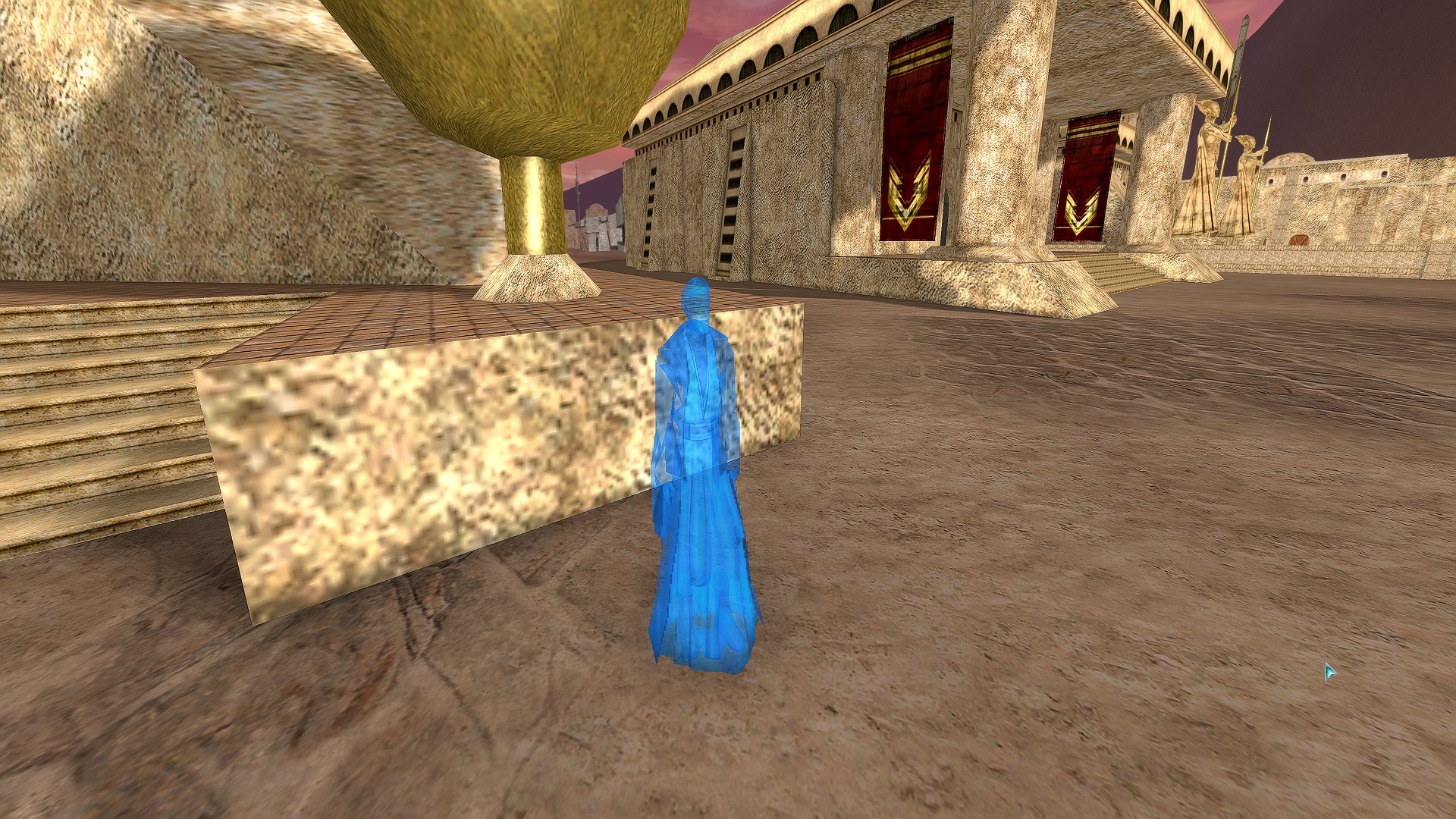
Enable Bloom - Check (Mostly enabled this to get that blue glowy feel back again with holograms)
Bloom Intensity - 1.0
Sharpness - 1.0 (I like things very sharp, adding higher resolution (Render Scale) will take this even further)
Render Scale - 200% (Consider it as Resolution tweaking, at 1080p its like 4k, if you are at 1440p or 4k already consider not enabling this)
(I cannot run 200% and 8 clients at a time, I run only 1080p).
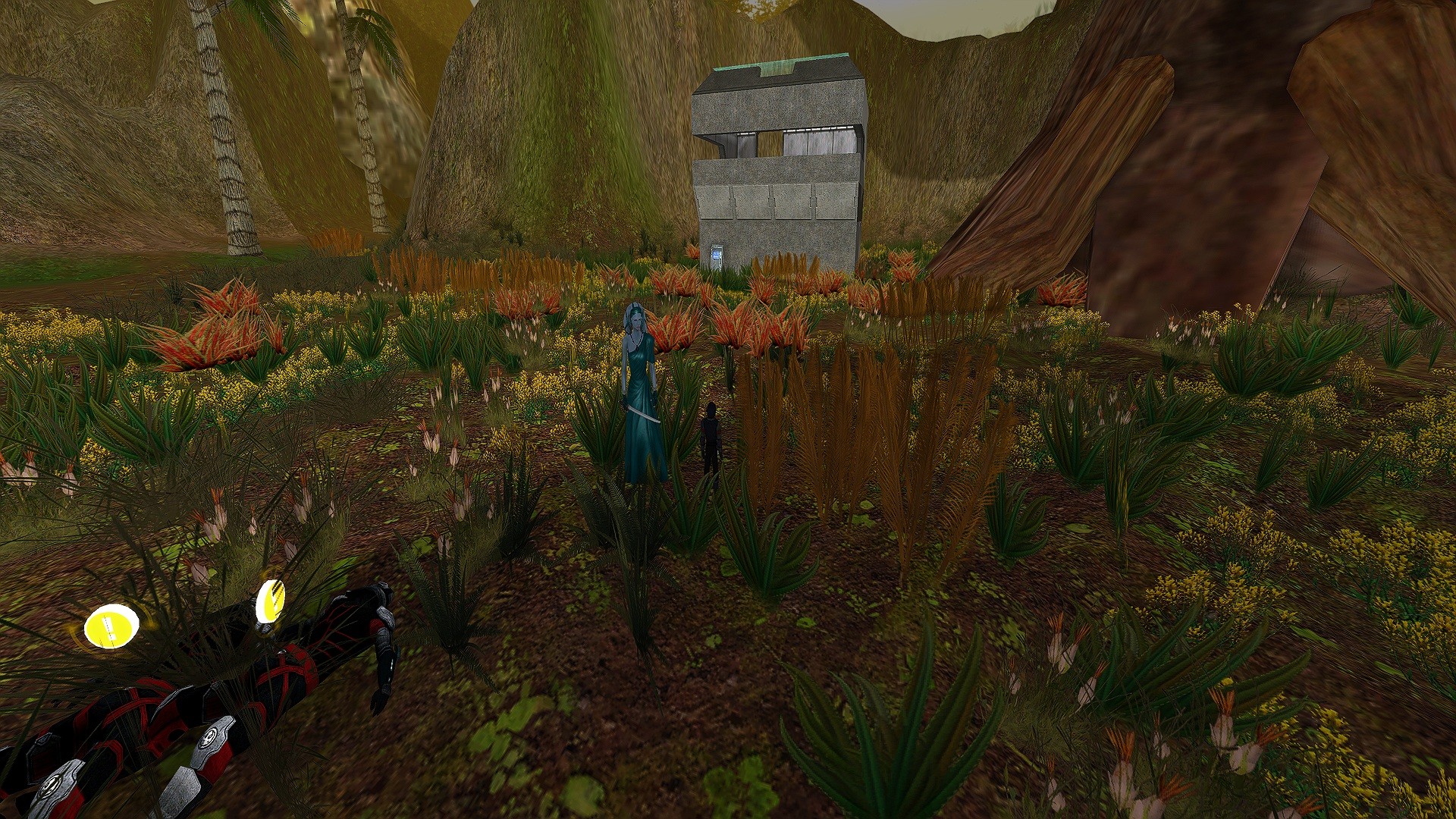
SSAO - Check (These are shadows, mostly noticed indoors at corners, defaults are to much and distort)
SSAO Strength - .48
SSAO Radio - .75
View Distance - 0.0 (Largely effects only the distant hills which are out of range of detail, affects fps alot)
Depth of Field - Check (This will blur distant object and builds I like it just slightly enabled)
DoF Focus Range - 100
DoF Blur Strength - .05
Hologram Transparency - .50 (Default had too little Transparency, Aim was to rekindle the old Hologram Obi Wan look)
Hologram Tint - .75
Hologram Shine - 2.0
Water Shine - 2.0
Water Waves - 0.00 (Waves were ugly)
Particle System Level Detail - 0.25 (Unsure about this correlating to Particle Limit, default is 100%)
Render Shadows Ground - Check (Greatly improves depth and feel of building exterior)
Character Shadows - Volumetric Check
Non Character Shadows - Volumetric CheckTerrain
Global Terrain - 2.33 (Largely affects only the distant hills which are out of range of detail, but can significantly affect fps)
Render Non-Collidable Flora - Uncheck (On naboo it places bushes that are different then the Grass from Near Flora)
Near Radial Flora Draw Distance -64.0 (Nearby grass)Images below are with Render Scale 200%. In Vulkan.
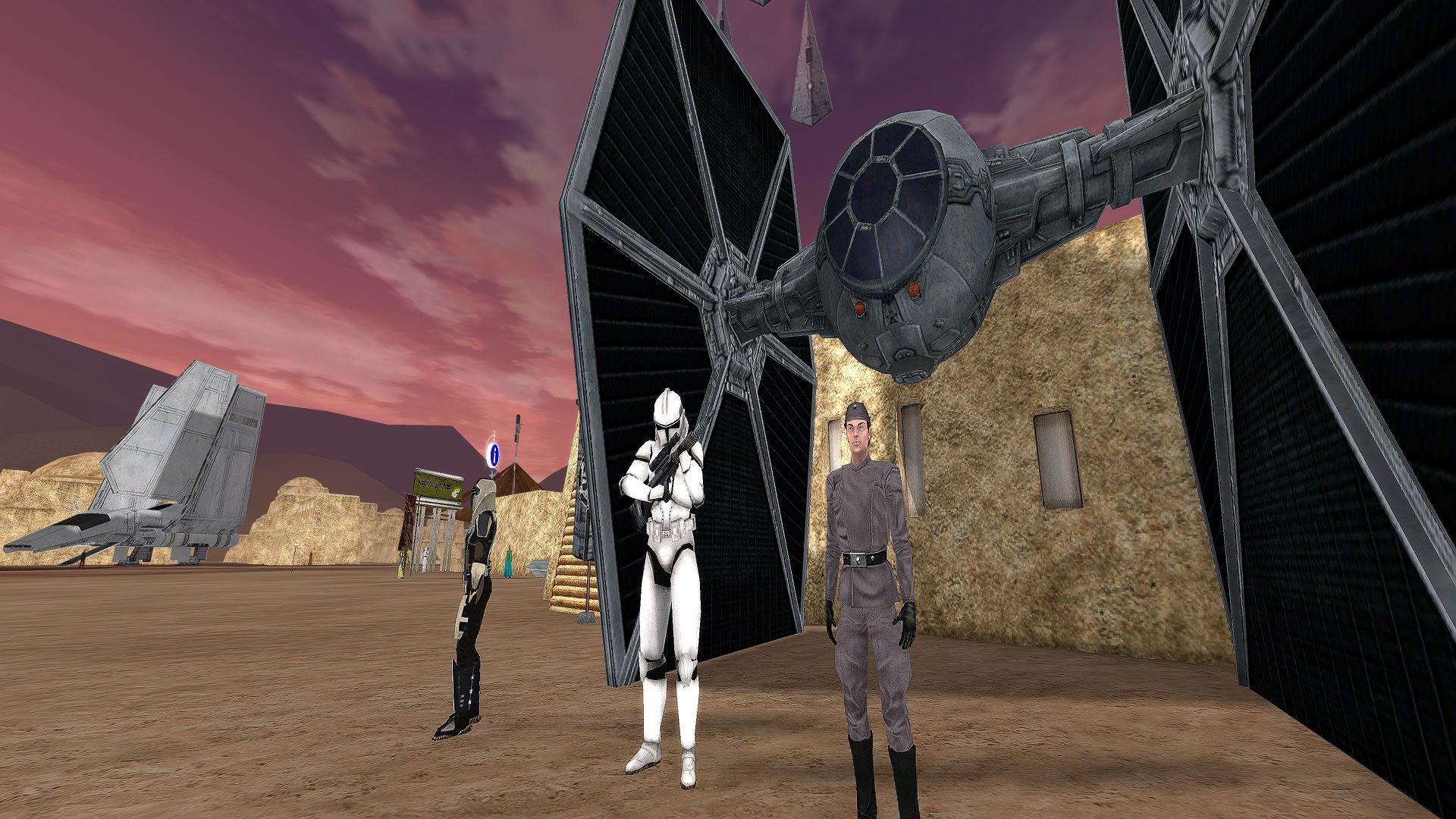
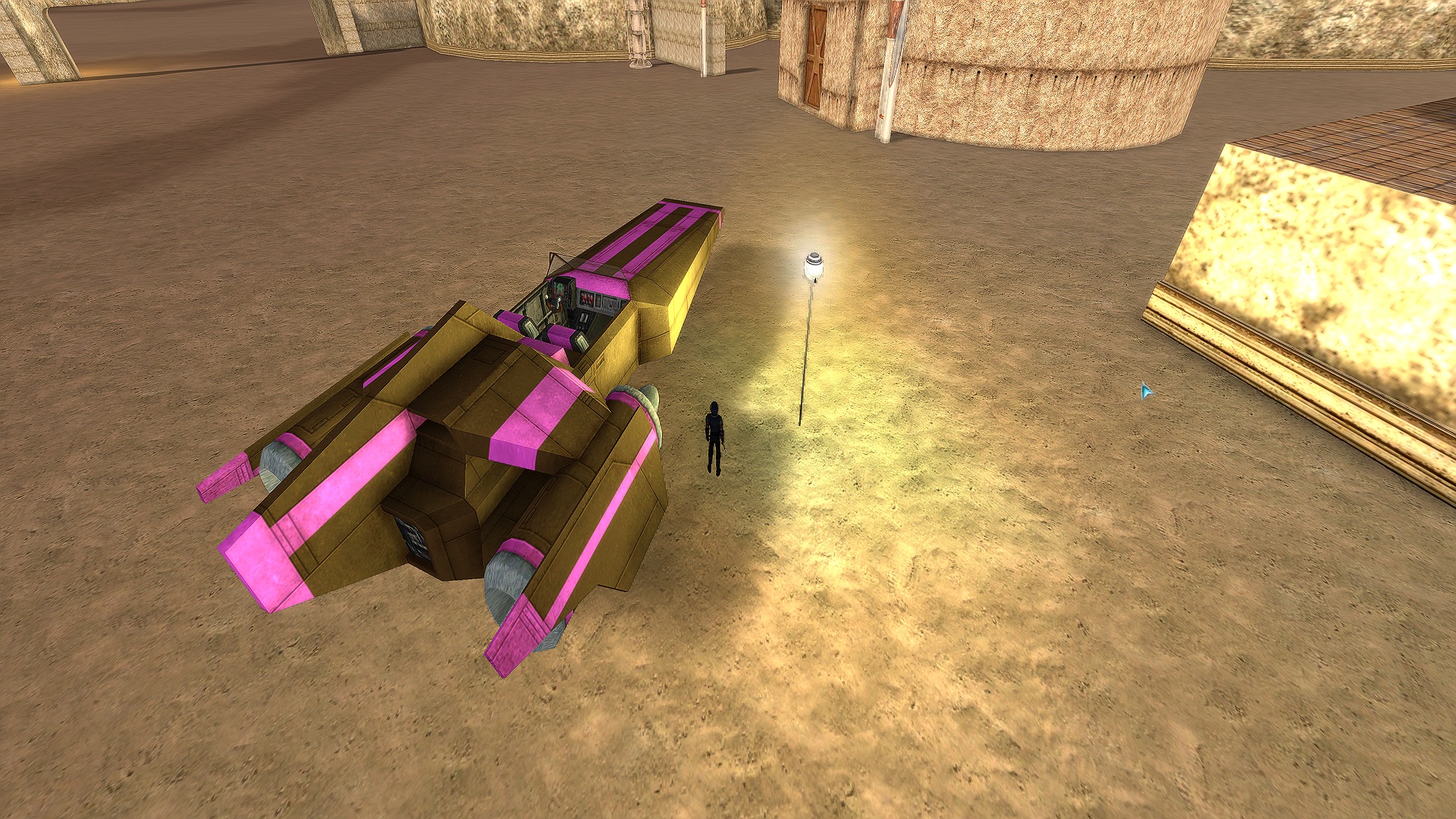
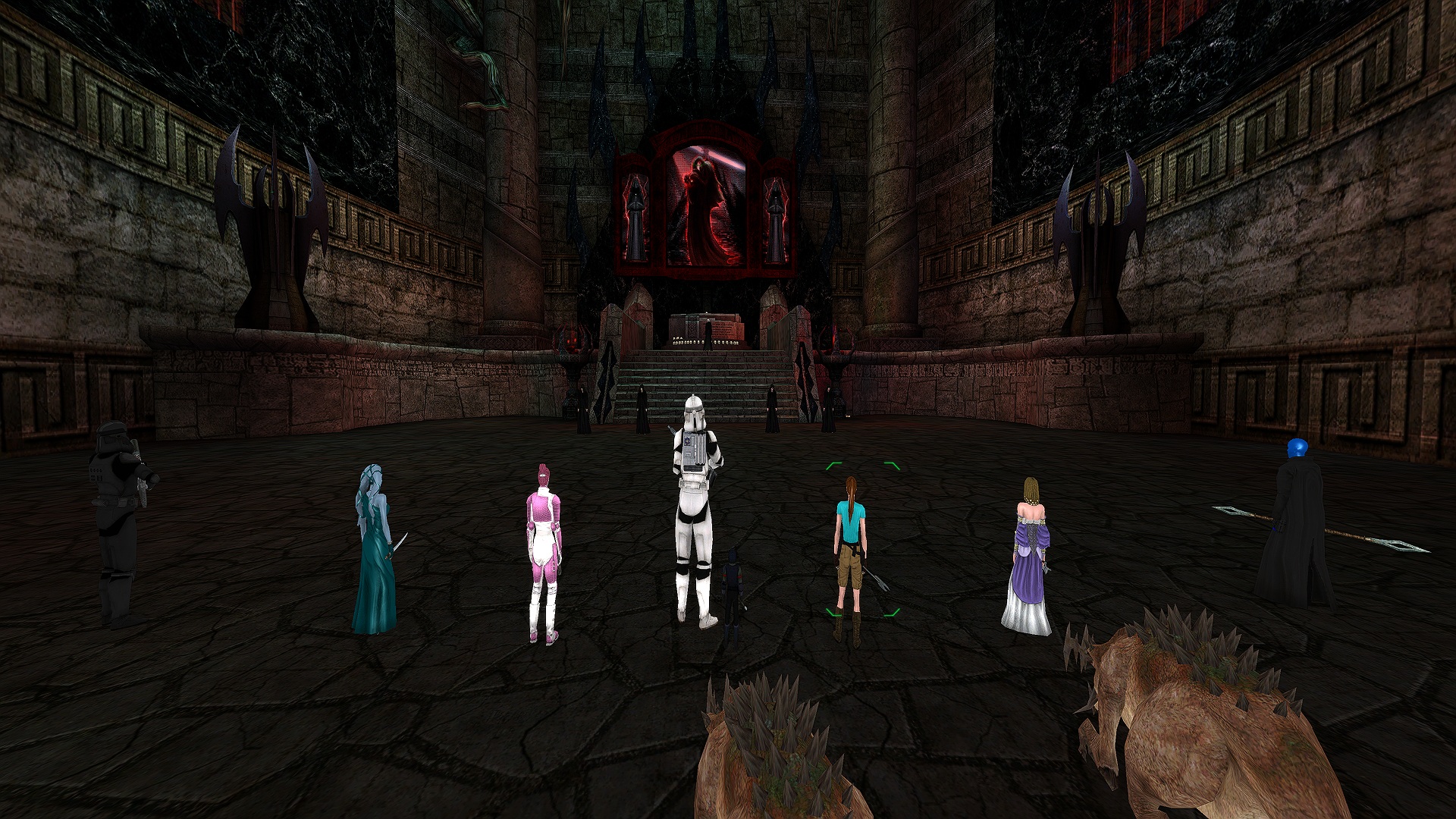
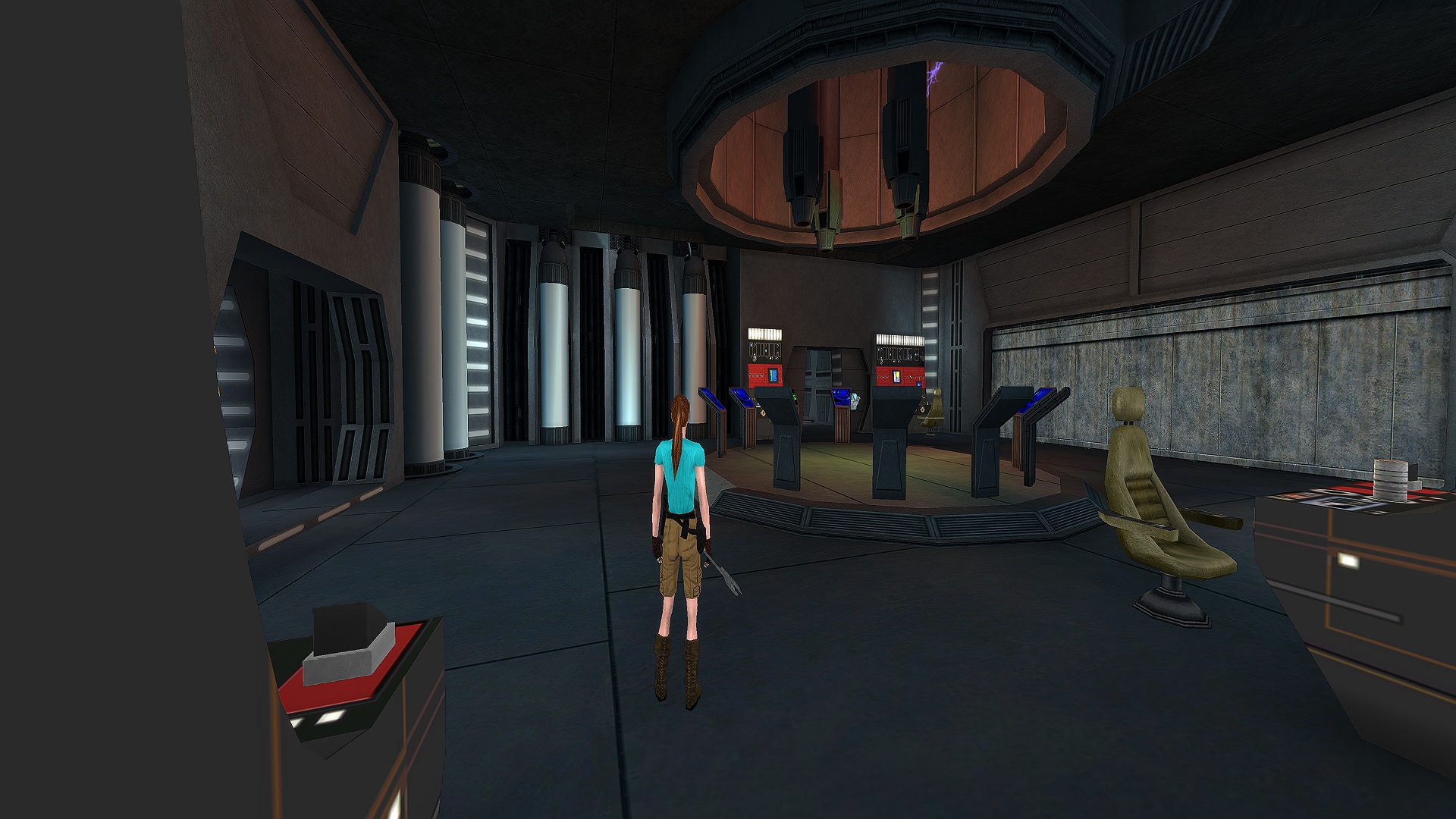
Even with a decently specced PC you may experience the game running rough on the 64Bit Client. I am going to give you a brief rundown of my PC and a few suggestions to improve performance moving forward since the 32Bit Client will be discontinued in the near future for SWG Evolve.
My computer Spec
CPU - Intel i7 12700F
RAM - 32GB DDR4 2666
GPU - Nvidia RTX 3080ti
Display - LG 4k OLED TV 120hz running at 1080p Resolution
Hard Disk - 1TB System and 2TB Game NVMe SSDI try to run 8 clients constantly and found that the game ran well on 32Bit Client but with the 64Bit Client no matter what settings I had graphically the game consistently ran rough. This may improve as optimizations and bugs are fixed but until that happens here is a suggestion.
-
Change the Render from Vulkan to Direct X 11 outside of the game in settings. I found that this provided a 1/2 GB less RAM usage for each client this solved my lack of RAM while running 8 Client Windows.
-
Changing to Direct X 11 however provided a less crisp image, Volumetric Shadows render more crisp they are more ugly Disable them. Play around with the Render Scale to adjust to your liking.
-
-
Looks good, but I did notice this little hickup and wonder if anyone else noticed. I did have to turn Depth of Field off to get a sharp picture at all times.
With DoF off:
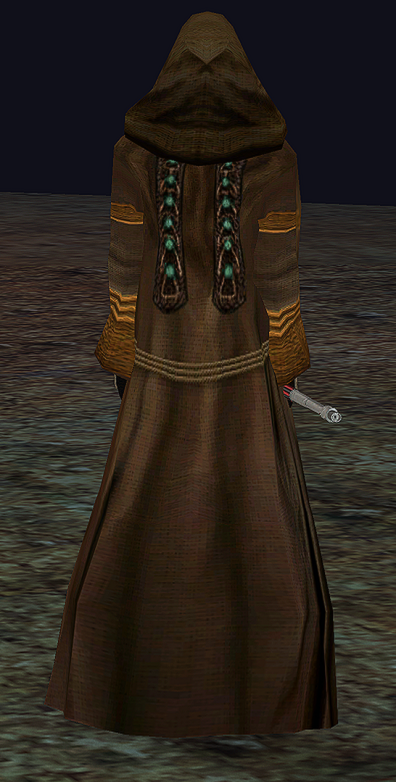
With DoF on:
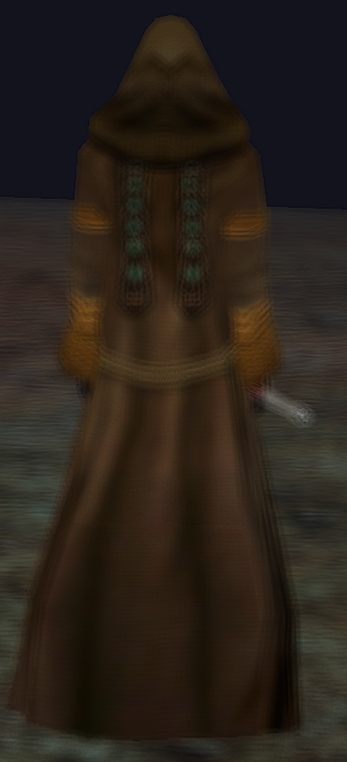
It seems to happen in a specific position; like behind the character. If I move the camera up or down, it seems to correct again.
-
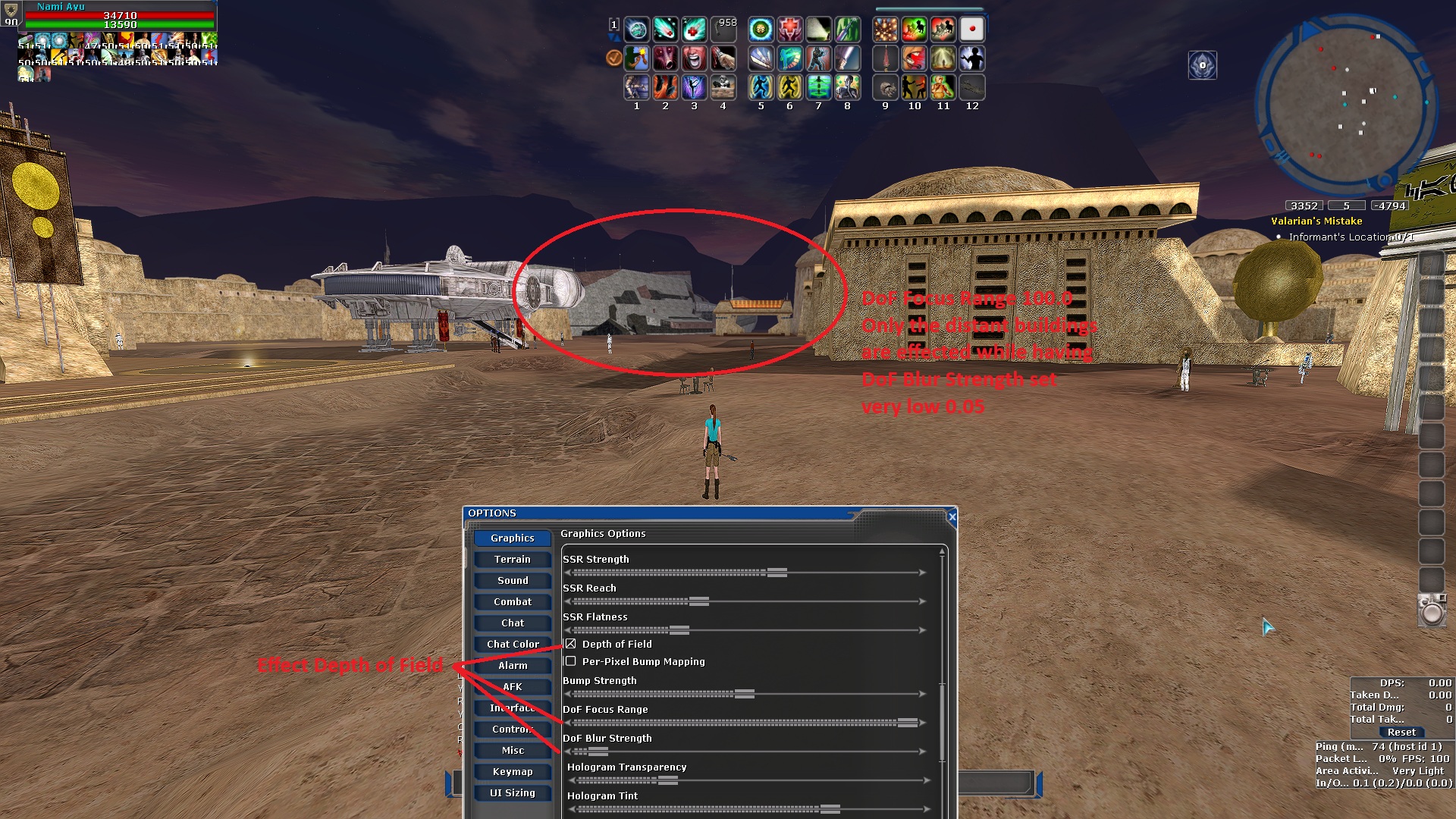
DoF Focus Range - Effects where it begins, closer or further away. I set it to furthest distance with the goal of losing detail for distant buildings.
Think the intention of this is Bokeh Effect in photography.
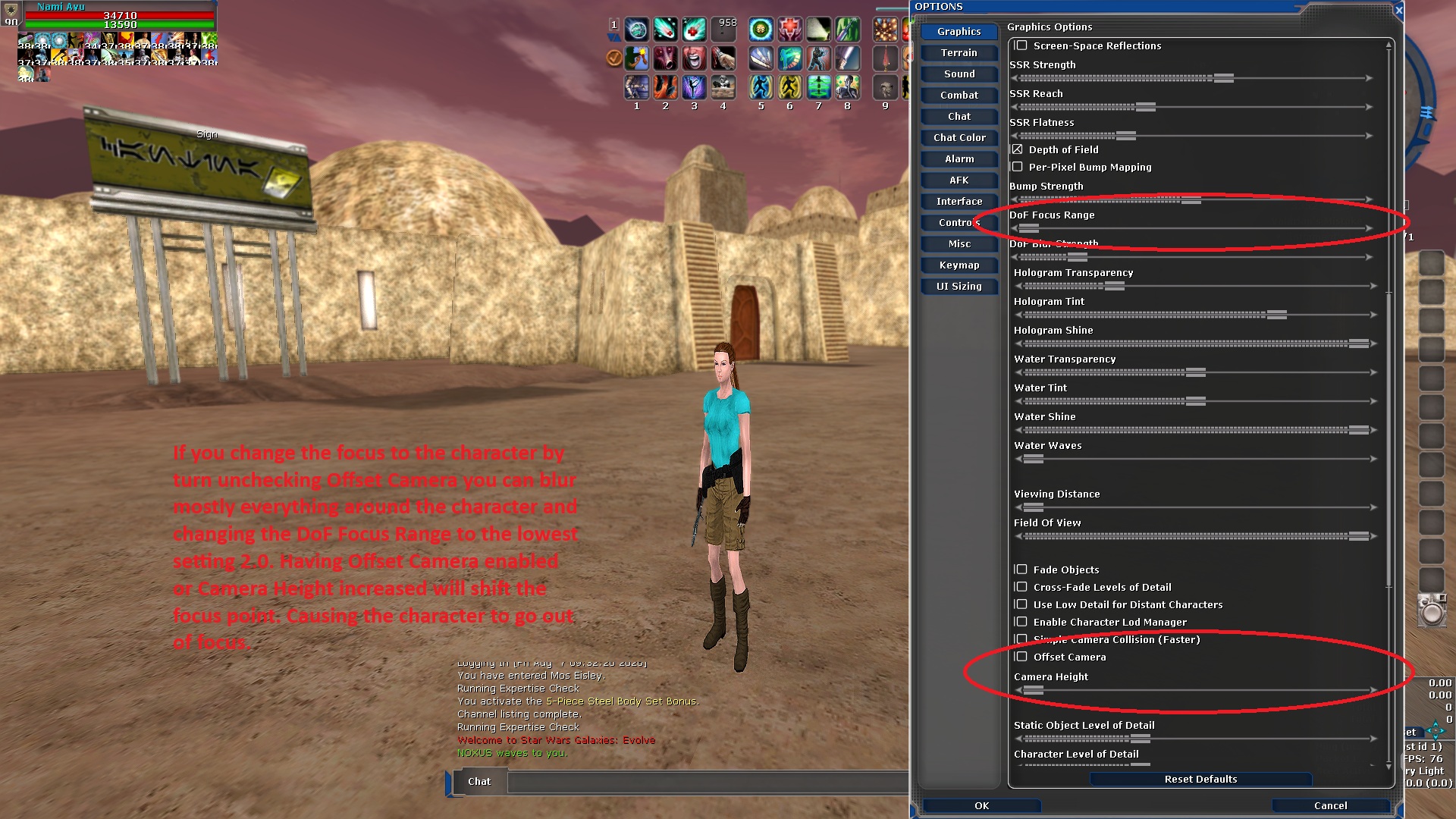
DoF Blur Strength - Seems a bit excessive with how it can be applied. I use 0.05, around 0.15 should be the limit.What you are experiencing with the camera angle you are correct.
Hello! It looks like you're interested in this conversation, but you don't have an account yet.
Getting fed up of having to scroll through the same posts each visit? When you register for an account, you'll always come back to exactly where you were before, and choose to be notified of new replies (either via email, or push notification). You'll also be able to save bookmarks and upvote posts to show your appreciation to other community members.
With your input, this post could be even better 💗
Register Login