Post Combat Revamp Launcher guide.
-
For those having issues installing and copying the new launcher I'm writing a guide to further expand on the instructions from discord...
Step1: install 7zip here https://www.7-zip.org/a/7z2404-x64.exe run the installer
Step2: Download the new launcher here: https://www.swgevolve.com/installers/SWGEvolve.7z
Step3: Navigate to where your launcher downloaded and double click it should open
if not Right click it and you should see "7zip" hover over it and select "open archive"
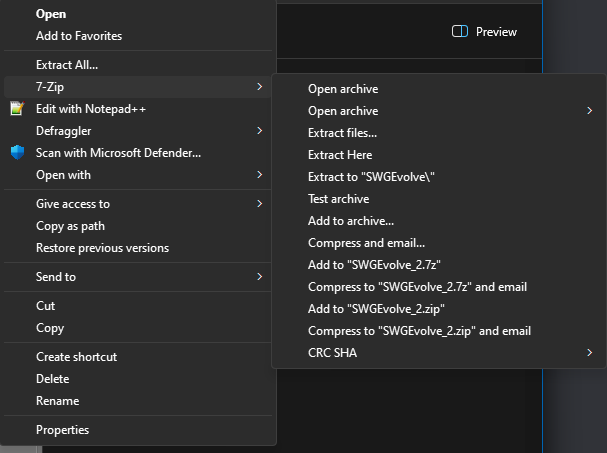
Step4: once you have the archive open hit the Extract button

Step5: Extract the files to where your SWGEvolve Installation folder is.
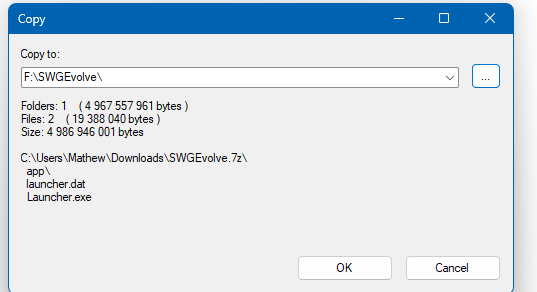
step6: Install the new Launcher by double clicking "launcher.exe" and letting it do its thing
step7: In your SWGEvolve Installation folder Find These Files and Folders They should be in your SWGEvolve\Game Folder
Game Folder
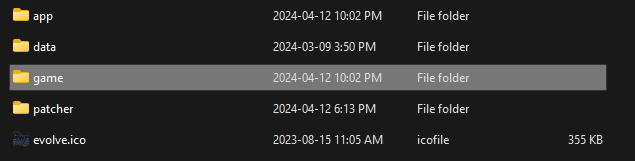
Files Needed


Make a Copy of them by Ctrl+left clicking each one so they are highlighted and then right click and "copy"This step is important now go back to where your "game" folder is and open the folder called "App" and then right click and "paste" those files you copied earlier in there.
step8: now delete these files with the red dashes
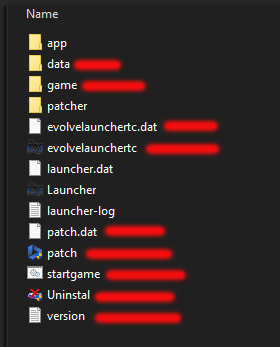
Your Evolve Install folder should look like this when you're done
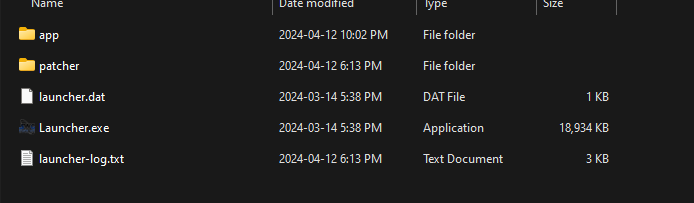
Step9: once they are deleted Run the "launcher.exe" again If it looks like this when you immediately launch it you did it correctly.
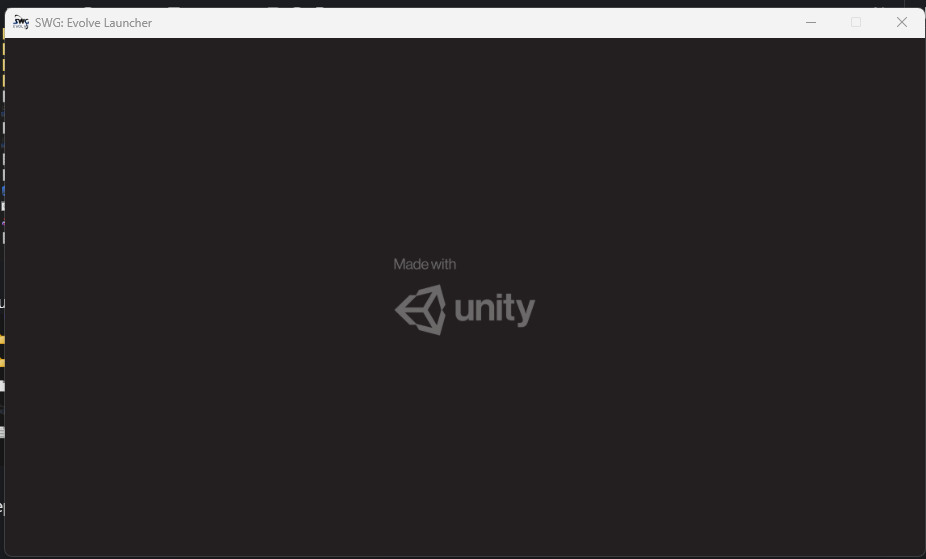
Once the launcher has done its thing It will take you to the evolve splash screen for the launcher
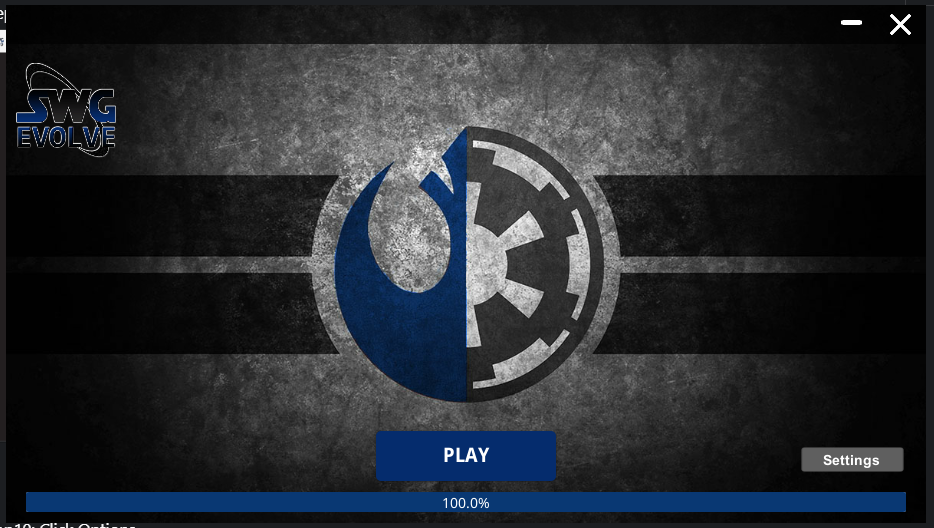
Step10: Click Settings
Set your resolution, turn off v-sync (if wanted) and set to borderless window mode. Click OK and then Click Play.
Hello! It looks like you're interested in this conversation, but you don't have an account yet.
Getting fed up of having to scroll through the same posts each visit? When you register for an account, you'll always come back to exactly where you were before, and choose to be notified of new replies (either via email, or push notification). You'll also be able to save bookmarks and upvote posts to show your appreciation to other community members.
With your input, this post could be even better 💗
Register Login